
One Ordinary Photo.
Stunning Visuals in Seconds.
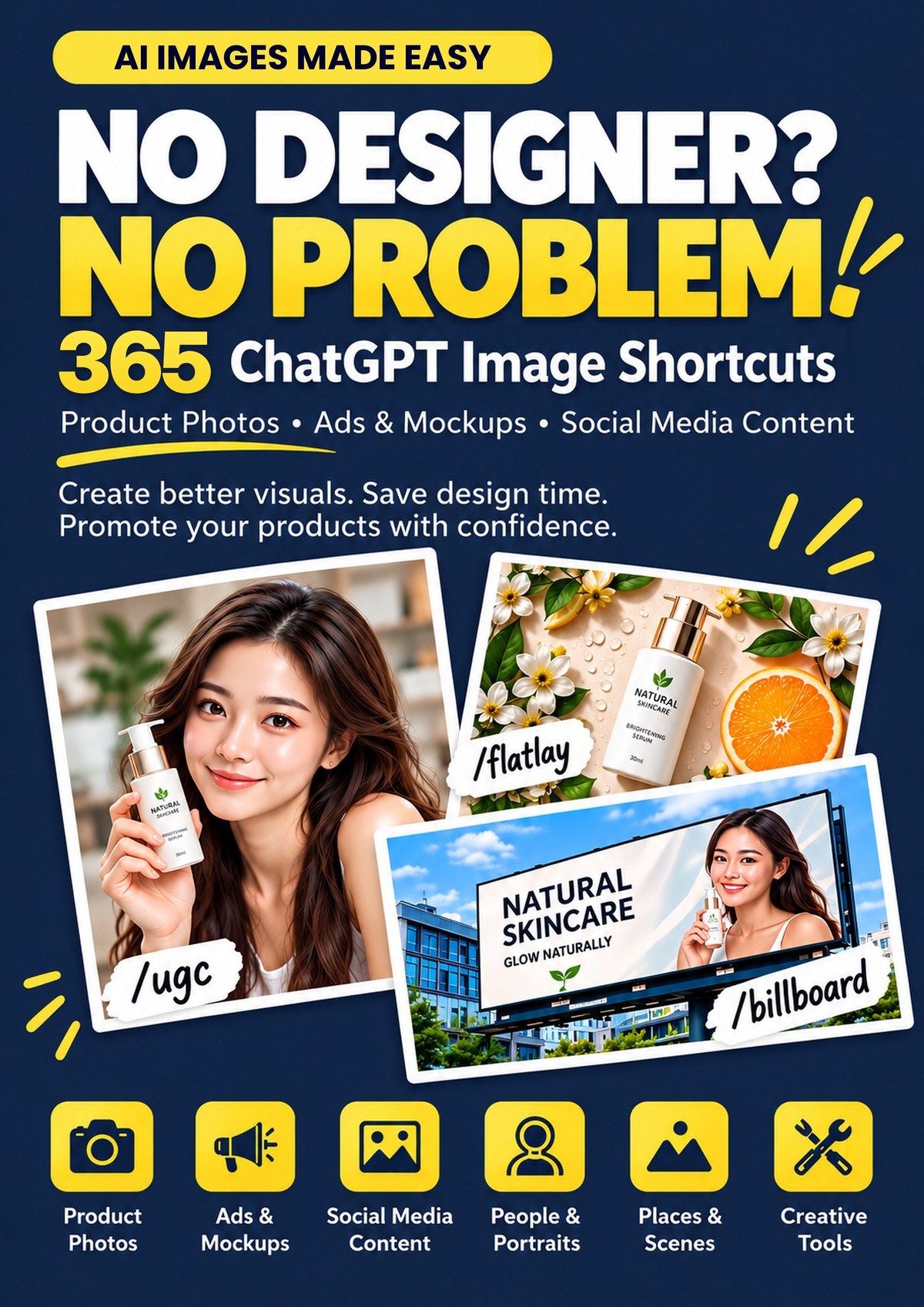
Turn everyday phone photos into stunning images, ads, social media posts and more with 365 simple ChatGPT shortcuts. Just upload your photo, type a command, and let AI do the magic. No designer. No complicated prompts. Just create.
Secure checkout · One-time payment · Instant download
Who it’s for
Made for People Who Sell Online and Create Content Online.
No design skills. No photography experience. No complicated AI prompts.
If you can send a message in ChatGPT, you can do this
One Phone Photo. Endless Ways to Show Your Product.
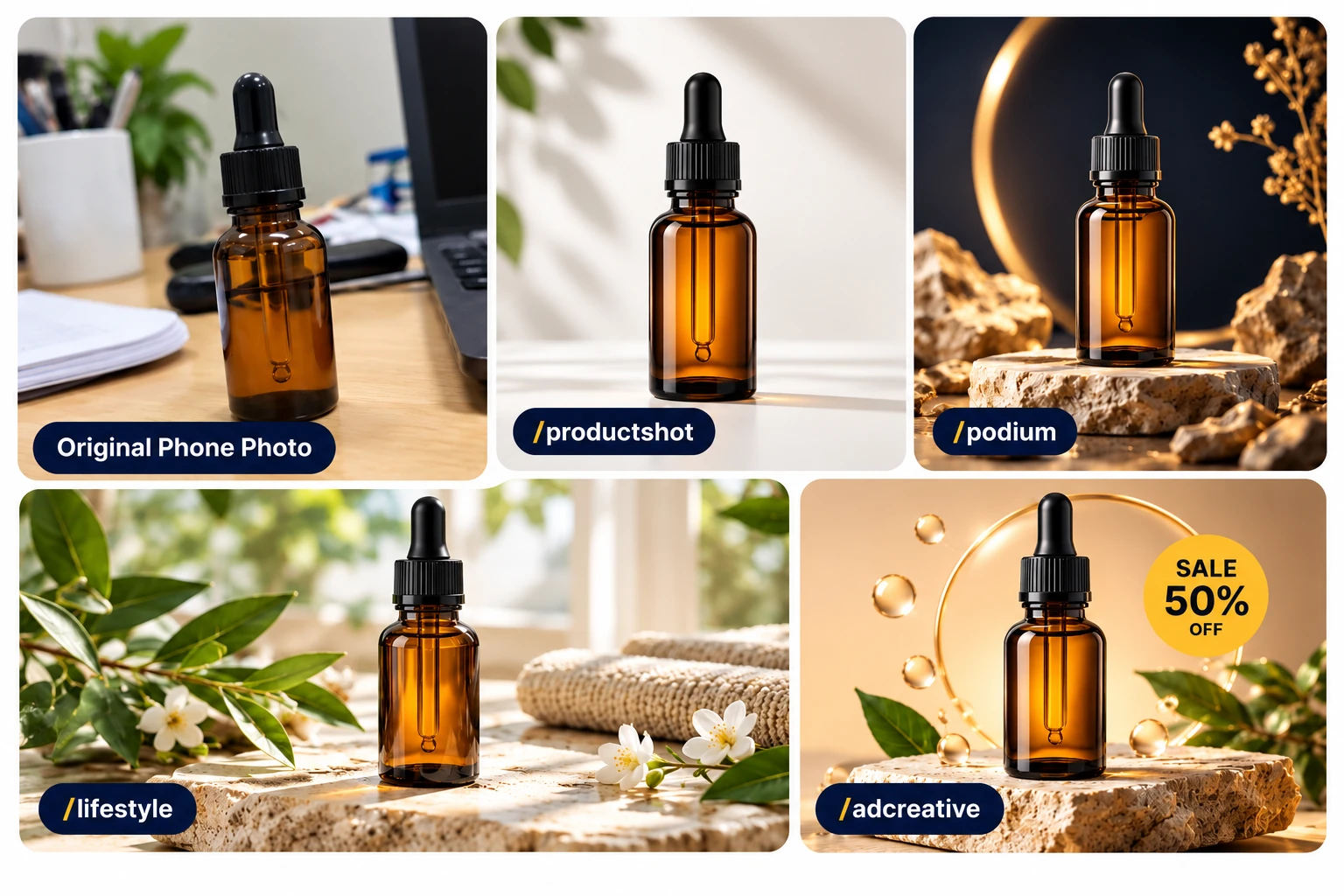
Turn one ordinary phone photo into stunning product visuals for Shopee, Lazada, TikTok Shop and Amazon.
- Marketplace Photos: Create clean, professional-looking product images.
- Lifestyle Visuals: Show products on display stands or in real-life settings.
- Promotional Ads: Create attention-grabbing sale and festive campaign posts in minutes.
- Packaging Previews: Visualize labels, boxes and packaging before printing.
Scroll-Stopping Content, Made Simple.
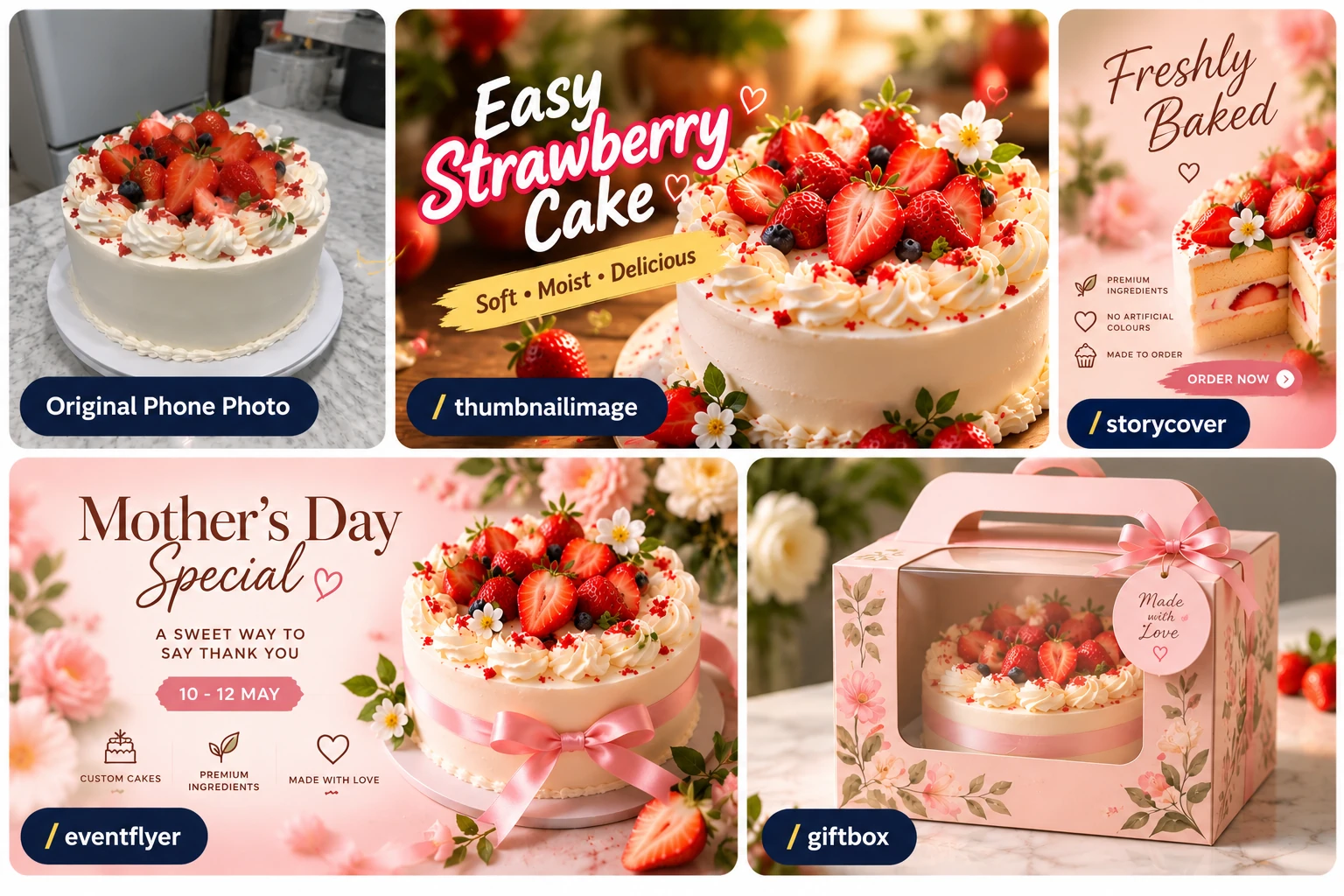
For YouTubers, TikTok creators, Instagrammers and small brands. Turn simple phone photos into eye-catching content, branded visuals and merchandise mockups in minutes.
- Thumbnails & Social Posts: Create attention-grabbing covers, carousels and posts.
- Consistent Branding: Design matching quote posts and profile pictures.
- Merchandise Mockups: Turn your logo or mascot into stickers and T-shirts before ordering samples.
What’s inside
Find the Right Shortcut for What You Want to Create.
Browse by visual type, see what each shortcut does, and discover which commands to combine for better results.
Part I · 114 shortcuts
Products & Selling
Clean shop photos, product previews, packaging and ads that stop the scroll.
Part II · 65 shortcuts
Branding & Social Media
Logo ideas, brand guides, YouTube and TikTok covers, simple charts and old-photo repair.
Part III · 88 shortcuts
People, Places & Property
Profile photos, 43 backgrounds and places, furnished property photos, food and drinks.
Part IV · 35 shortcuts
Lighting & Festive
Lighting and mood, plus festive looks for CNY, Raya, Deepavali, 11.11 and more.
Part V · 63 shortcuts
Art & Fun Styles
Watercolour, cartoon, retro, pixel, toy and fantasy looks for when you want something fun.
How it works
3 Simple Steps. Stunning Visuals. That’s It.
Open ChatGPT, upload your photo, and copy a shortcut from the guide. Hit enter and let ChatGPT do the rest.
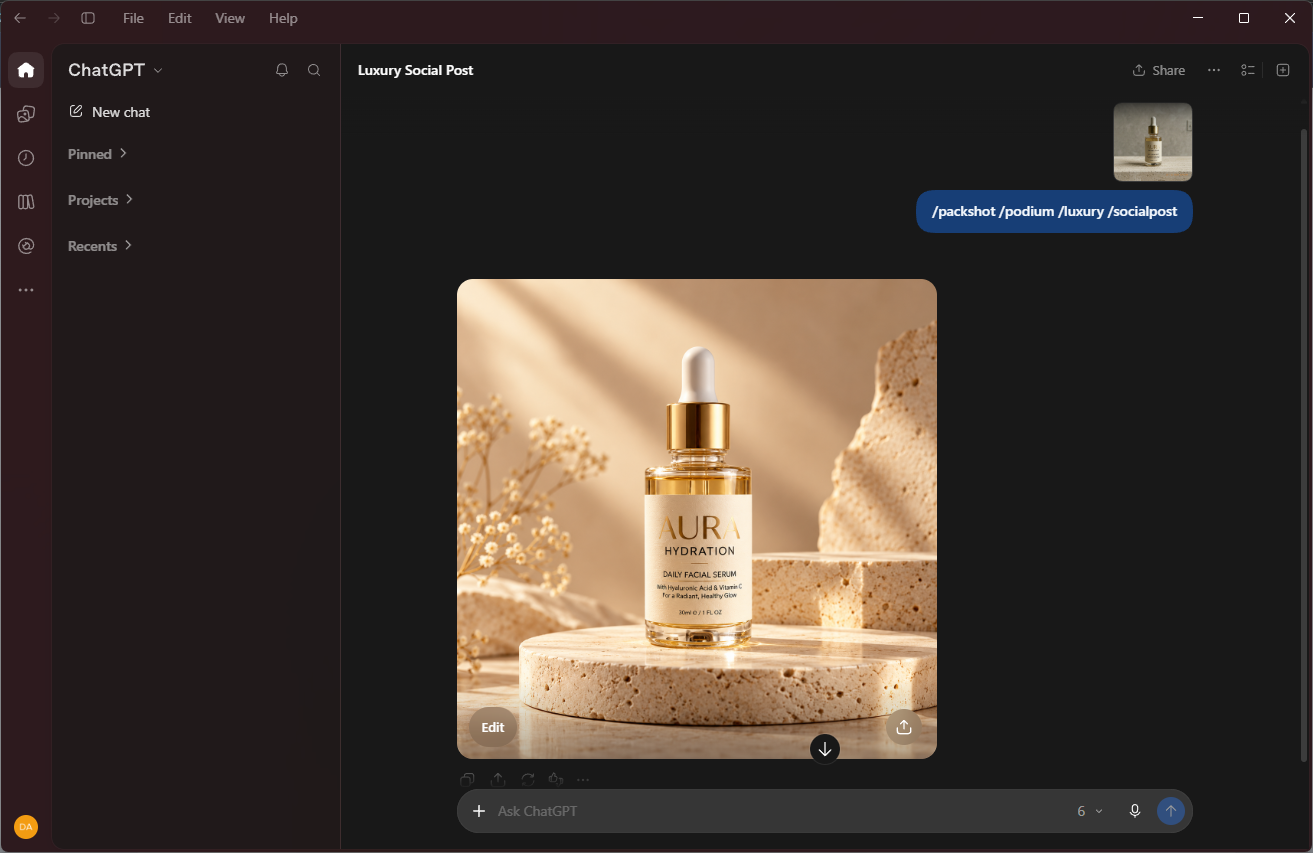
- Works in the ChatGPT app or the ChatGPT website
- Use the shortcuts for your own business and for your clients
Questions
Before You Buy
What Exactly Is This?
It is a PDF guide that tells you exactly what to type into ChatGPT to make pictures for your business. Inside are 365 shortcuts, which just means the short words you type in, sorted into 5 parts and 16 chapters. There are also 10 playbooks that walk you through a whole job step by step, and an A to Z index so you can find a shortcut fast.
Do I Need a Paid ChatGPT Plan?
No. You can start on the free version of ChatGPT. It makes pictures, and this guide shows you how to get good ones with it. The one thing to expect is that the free version only gives you a few pictures a day, most people get 2 to 3, so if you want a whole set in one sitting you may run out and have to wait until the next day. A paid plan simply gives you more room. The whole guide is written for ChatGPT and tested on it.
Do I Need to Know Design or Photography?
No. You do not need design or photography skills, and you do not need any special software. Every shortcut is written in everyday words, and each one says what it does and what to use it with. The playbooks start from one ordinary photo you already have on your phone.
What Format Is It, and Can I Print It?
You get one PDF of 70 pages. It opens on your phone, tablet or computer. It is laid out for normal A4 paper at full print quality, so it prints properly if you would rather have it on paper.
How Is It Delivered?
Right after payment you can download the PDF. There is nothing to post and no account to create. The link is in your receipt, so you can come back and download it again if you need to.
Can I Use the Images I Make Commercially?
Yes. The pictures you make with ChatGPT belong to you, so you can use them in your online shop listings, your ads, your packaging and your social media posts. That comes from how ChatGPT works rather than from us. One honest note: AI pictures are not guaranteed to be unique, so someone else could end up with something similar to yours.
What Is Your Refund Policy?
Because the file is sent to you straight away, we cannot refund a change of mind after you have downloaded it. If the file is faulty or does not match what this page describes, contact us and we will make it right. Read the full refund policy.